
What the number on your watch means
Apple Readiness combines activity, vital signs and sleep into a score from 0 to 10. It can change during the day, including after a demanding workout. Open the contributing factors: a short night and several unusual vital signs give you different reasons to reconsider a session.
As of October 9, 2026, Apple lists Series 12 and Ultra 4 as supported models. Setup includes sleep tracking and at least seven nights of overnight vitals. If no score appears, check setup and data availability before drawing any conclusion about recovery.
Three situations and a useful next step
Readiness describes your general state during the day. A familiar movement gives you more direct information about the set you are about to perform. Use these scenarios before settling on your working weights.
| What you notice | What to do next |
|---|---|
| Low score, but you feel well | Read the contributing factors and begin with easy warm-up sets. If control and effort feel familiar, ease into the planned workout. |
| High score, but the warm-up feels unusually hard | Take more rest. If effort remains unusually high, reduce the working weight or the number of work sets. |
| Low score and you feel exhausted or ill | Postpone heavy training. Rest when you have a fever or feel ill, and seek medical advice when symptoms are unclear. |
A high score does not make pain, dizziness or other concerning symptoms safe to train through. Stop if they occur. Readiness cannot fully account for medical conditions and medications.
Make the warm-up a familiar comparison
Choose an easy weight on an exercise you know well. Notice whether you control the movement, whether the weight feels normal and whether you feel ready after resting. A heavy single adds fatigue without being necessary for this check.
Keep the exercise and technique consistent. A different machine, a deeper range of motion or a shorter rest changes the task. Note that difference rather than treating one difficult set as a complete assessment of the day.
An example of adjusting a session
Suppose you planned three sets of eight bench presses at 60 kg. The warm-up feels much harder than usual. You choose 55 kg, complete two controlled sets and leave the third out. This illustrates one practical adjustment; it is not a formula that converts a readiness score into a load reduction.
| Entry | Planned | Completed today |
|---|---|---|
| Bench press | 60 kg · 3 × 8 | 55 kg · 2 × 8 |
| Effort | Around RPE 8 | Around RPE 7 |
| Note | Usual session | Short night; difficult warm-up, lighter sets controlled |
RPE is your rating of how hard a set feels. RPE 8 suggests roughly two more good repetitions were possible, while RPE 7 suggests around three. Judging this takes practice. An honest rough estimate is more useful than pretending you can measure it precisely.
What your next few sessions can tell you
Look back after several training days. Was your performance usually normal despite low scores, or did low scores often accompany much higher effort? One day rarely settles the question. Comparable sessions give you a more useful picture.
When you feel recovered, choose a starting weight that fits the next warm-up. You do not need to add missed sets on top of the next workout. Persistent exhaustion calls for a closer look at sleep, training volume and possible health issues.
Use Readiness alongside your training log
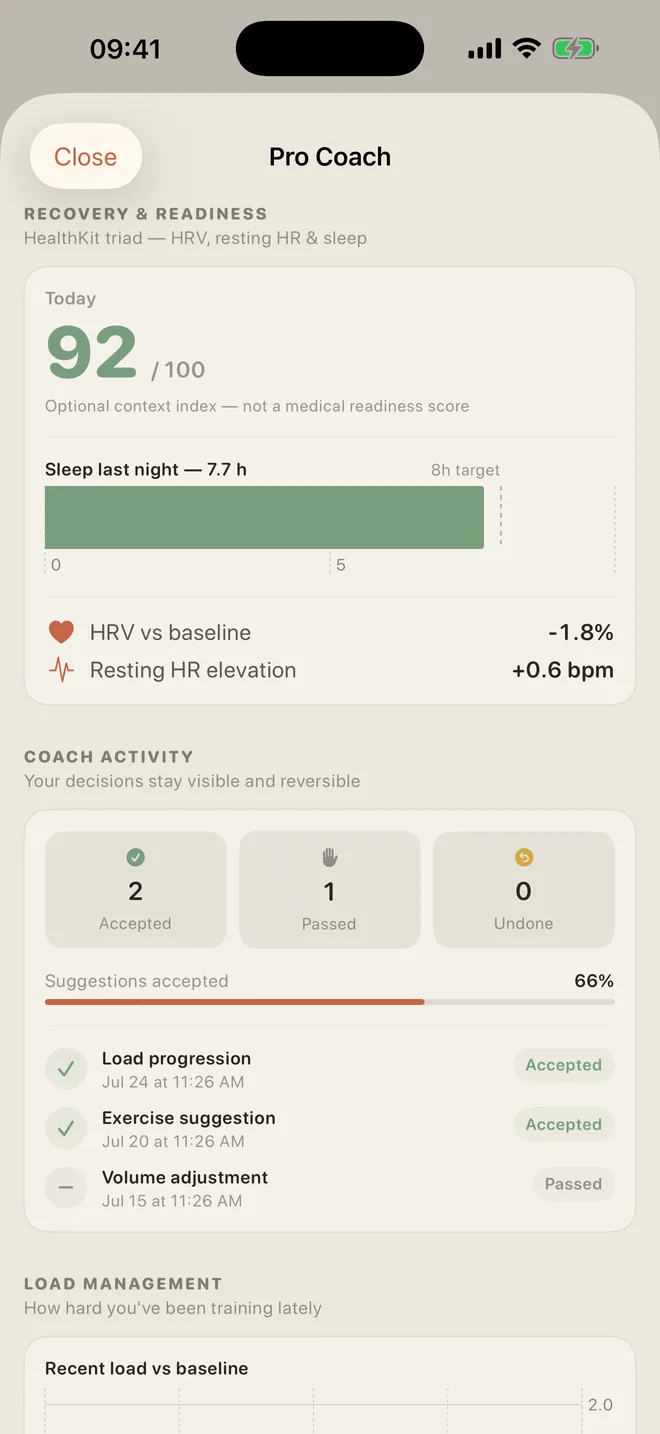
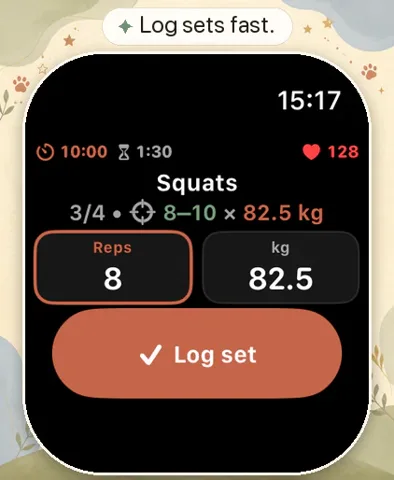
LiftPal records your weights, repetitions and set effort. The watch’s daily score and the details of a strength workout answer different questions. A short note such as “poor sleep, lighter session” helps you interpret those numbers later.
LiftPal’s optional recovery context and coaching suggestions are separate app features. This guide does not assume an automatic import of Apple’s new Readiness score.
Try a tool
Read next

Sources
Device requirements and product behavior were checked against Apple’s current documentation.
- Apple Support · Understand your readiness score on Apple Watch ↗
- Apple Newsroom · Health and fitness features, September 2026 ↗
ready made / Pexels · Pexels License · Resized and converted to WebP for this website.