What Workout Buddy currently offers
Workout Buddy provides spoken encouragement and personal milestone updates during exercise, using your fitness history and current workout data. Apple describes feedback including duration, pace and distance, followed by a workout summary. Both Traditional and Functional Strength Training are supported workout types.
You start Workout Buddy in Apple’s Workout app. To record sets with LiftPal, you start your workout separately in LiftPal. The two workflows are explained alongside each other here; this is not a Workout Buddy integration inside LiftPal.
Check the requirements first
Apple specifies a paired Apple Intelligence-capable iPhone, Bluetooth headphones, and English or Spanish as the device and Siri language. In watchOS 27, Workout Buddy can work without the iPhone nearby when the watch has Wi-Fi or cellular connectivity. A compatible paired iPhone is still required.
On the watch, open Workout, choose a workout type and open Alerts, then Workout Buddy. Enable it and choose a voice. If the option is missing, compare your model, software, language and region with Apple’s current requirements.
Which job does each tool handle?
It helps to break a strength workout into specific tasks. This table describes Workout Buddy from Apple’s guide and LiftPal from its existing features.
| Task | Workout Buddy | LiftPal |
|---|---|---|
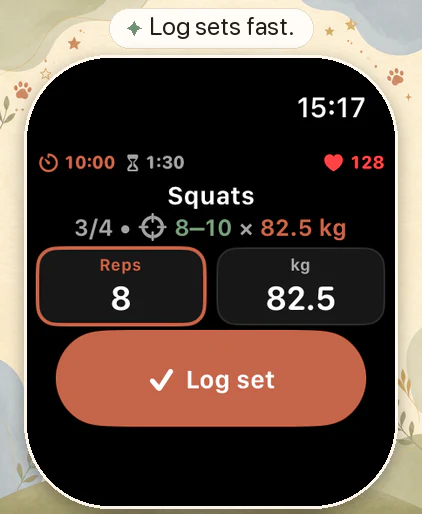
| Encouragement during a workout | Spoken updates and milestones | Your wombat and explained coaching suggestions during the workout |
| Looking back on the session | Summary including duration and calories | A record of exercises and completed sets |
| Recording a 60 kg × 8 bench press | Set entry is not described in the Buddy guide | Enter weight and repetitions yourself |
| Comparing how hard a set felt | A set table is not part of the documented Buddy feature | Record RPE in the workout and review your history |
These give you different kinds of feedback. For the next bench-press session, individual sets are particularly useful because you will be repeating the same exercise.
A log you can use next week
You plan three bench-press sets at 60 kg, aiming for six to eight repetitions. Your completed workout looks like this:
| Set | Weight | Repetitions | Effort |
|---|---|---|---|
| 1 | 60 kg | 8 | RPE 8 |
| 2 | 60 kg | 8 | RPE 8 |
| 3 | 60 kg | 7 | RPE 9 |
RPE rates how hard a set feels. An 8 suggests roughly two good repetitions remained; a 9 suggests around one. Next time, you could keep 60 kg and aim to bring the final set to eight controlled reps. Keep technique and rest periods comparable.
A longer workout or a higher calorie estimate does not explain this difference between sets. The repetition sequence gives you something specific to work from.
Using LiftPal on Apple Watch
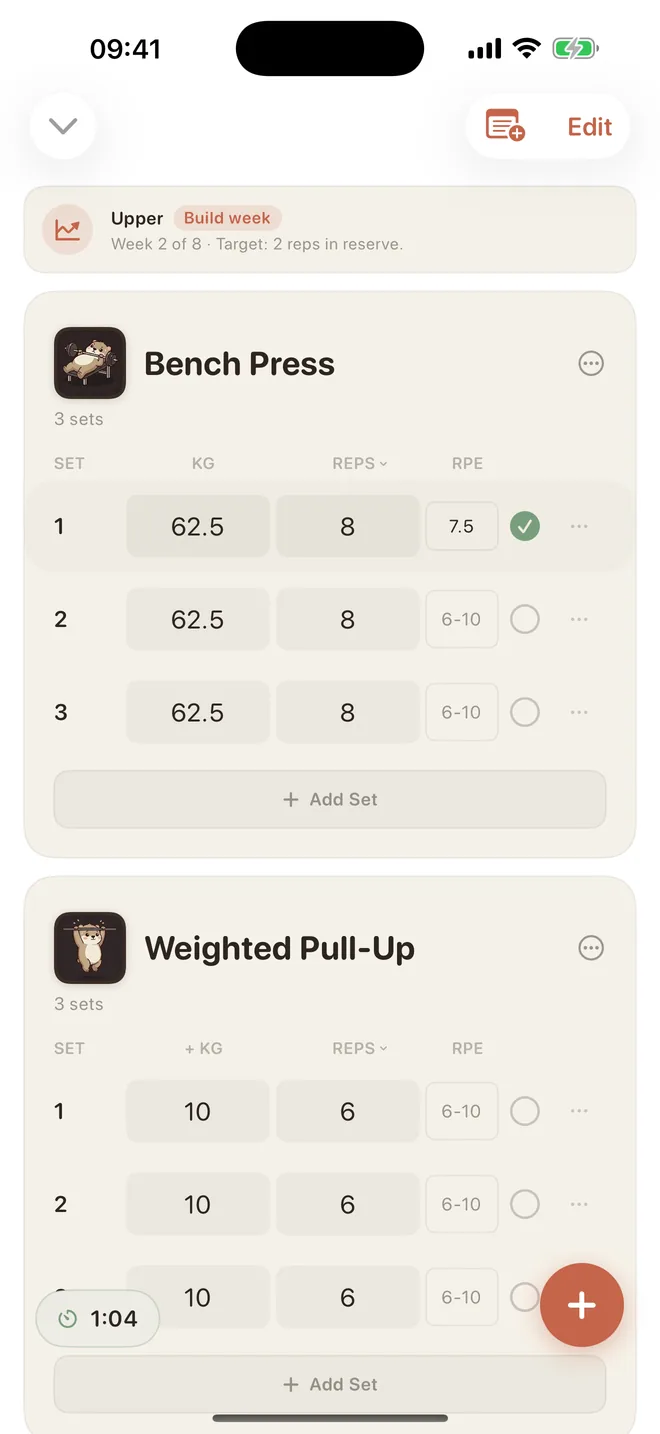
LiftPal lets you start previously synced routines on the watch, record sets and follow your rest periods. Prepared routines also work without the iPhone in reach, with workout history syncing later. Up to five synced routines are available to start on the watch.
Choose a clear workflow for recording the workout itself. Multiple workout sessions or additional exports from other apps can make the result confusing. If a session appears more than once, check the source of each entry in Apple Health.
Prepare the details that matter for your next session
Put your exercises in order and look at your previous set results. Start the workout, record each set immediately afterward, and use the rest period before the next one. You will not need to reconstruct whether set two had seven or eight repetitions at the end of the session.
If you enjoy spoken encouragement, Workout Buddy may suit you. When the next decision is about load, repetitions or sets, a consistent training log gives you a comparison. The linked Watch guide explains the LiftPal workflow.
Read next

Sources
Feature descriptions and device requirements were checked against Apple’s watchOS 27 documentation on October 9, 2026.
- Apple Watch User Guide · Workout Buddy · watchOS 27 ↗
- Apple Newsroom · Health and fitness features, September 2026 ↗
ready made / Pexels · Pexels License · Resized and converted to WebP for this website.
Alesia Kozik / Pexels · Pexels License · Resized and converted to WebP for this website.