
Two displays do not always mean two workouts
A workout summary and an Active Energy entry describe different data types. Seeing a session in both Fitness and Health also does not automatically mean it was saved twice. What matters is whether the Workouts data type contains two individual workout records for the same period.
For each record, note the date, start, finish and source. Times may differ slightly if one recording started earlier. A manual entry or an export from a connected app can also create an additional record.
Find the individual records
Open Health and look under Activity for Workouts. Show All Data lets you open individual records and inspect their times and sources. Data Sources & Access shows which apps and devices contribute to that data type.
Apple’s instructions use Browse to reach health categories. Labels may differ with your language and iOS version.
Three cases that narrow down the cause
These are example findings. Use the actual times and source names shown on your device.
| What you find | Possible explanation | Next step |
|---|---|---|
| Two workouts, 18:00–18:45, from different apps | Two apps saved or exported the same session | Choose which app should write the workout to Health and check the other export. |
| One workout and Active Energy for the same period | Workout and calorie data are different types | Count the actual workout records before removing anything. |
| Two records from the same app | A manual entry, repeated export or app issue is possible | Compare details and contact the app provider with times and the app version. |
Moving one source to the top is not a reliable substitute for this check. Source priority determines which data Health prefers; it does not remove workout records that already exist.
Separate permission to read from permission to write
An app can read workouts from Health without creating new ones. Open your profile in Health, find Apps under Privacy, and choose the app. Check the Workouts permission specifically, along with any export setting inside that app.
Removing write access from an additional source affects future transfers. It does not remove existing records. You do not need to switch off unrelated permissions, such as reading steps or heart rate, as a blanket troubleshooting step.
How LiftPal’s records fit together
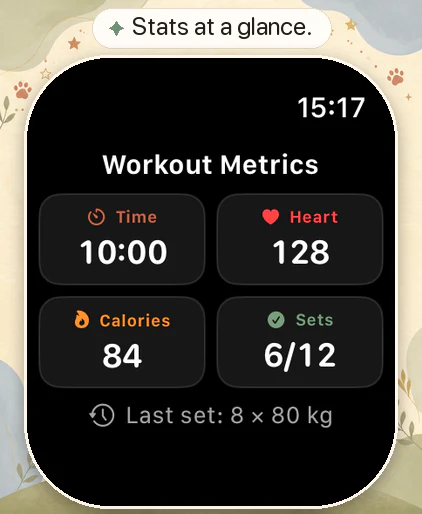
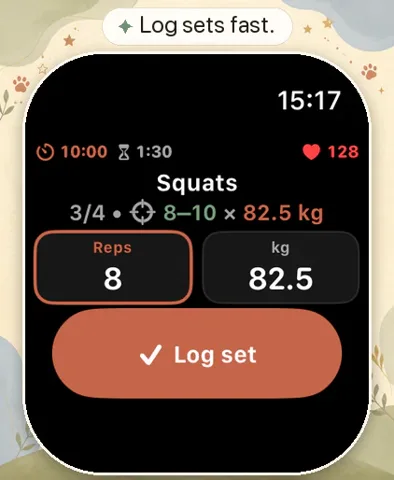
LiftPal keeps exercises, weights and repetitions in its own strength log. Its Watch recording uses HealthKit for the workout session. A set log in LiftPal and a workout in Health can therefore be related views, without being two Health workout records.
Choose one clear recording workflow for a normal session and avoid manually exporting that same workout from another app as well. If something appears duplicated, inspect its actual source. Seeing LiftPal in your app list alone does not identify where an extra record came from.
Remove only a confirmed duplicate
Once you know which entry is duplicated, open the individual workout data list and remove that entry only. Read the confirmation carefully: some views distinguish the workout from its associated data. Keep the record with the correct period and the measurements you want to retain.
Do not delete an app’s entire data history to resolve one duplicated session. When Health syncs through iCloud, a deletion can also affect your other connected devices. If the two records contain different information you need, ask the provider which one to keep before removing it.
Check again after your next session
After a normal short workout, look at the number of records and their sources again. If only the intended recording appears, your revised workflow is clear. If the problem returns, note the start time, apps used, and iOS, watchOS and app versions.
Those technical details and a description of the workflow are a useful starting point for support. You do not need to send a complete export of your health history. Limit screenshots to information relevant to the affected session.
Read next

Sources
This guide was checked on October 9, 2026 against current Apple documentation and the existing LiftPal Health integration in code.
- Apple Support · Manage Health data on your iPhone, iPad, or Apple Watch ↗
- Apple Developer · HKWorkout ↗
ready made / Pexels · Pexels License · Resized and converted to WebP for this website.