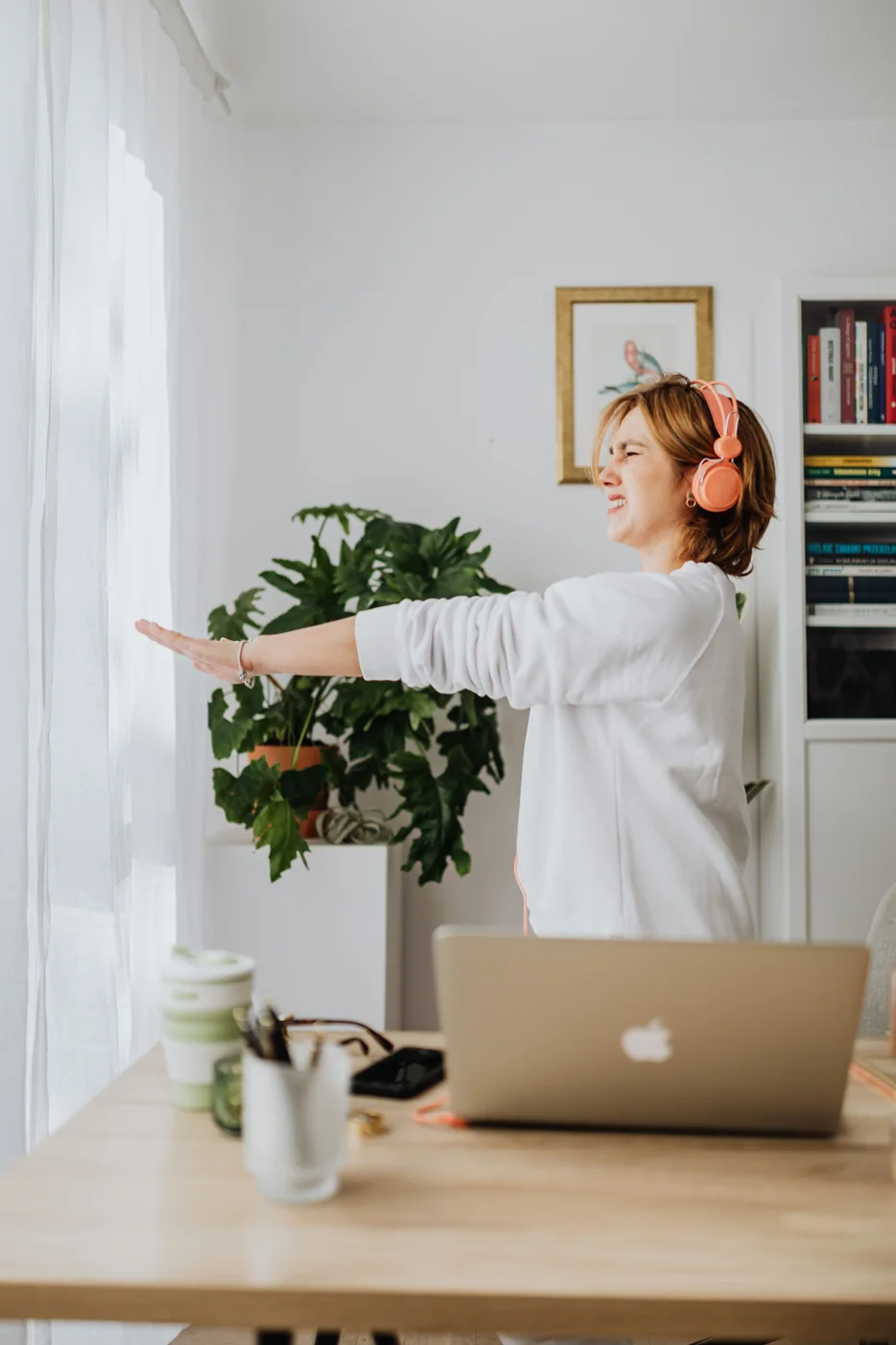
Which tasks work well with walking?
Listening to a webinar or reading short emails is often an easier first test than drawing, typing quickly or solving a difficult spreadsheet problem. Choose a low-stakes task where you can stop the device whenever you need to.
Judge concentration through the work itself. Can you follow the conversation? Are you continually correcting typos? Laboratory findings on active workstations do not promise better performance on every task. Keep your chair available for anything that works better sitting down.
Make the desk fit the walking pad
The belt adds height beneath your feet. Adjust the desk while standing on the switched-off device. You should be able to reach your keyboard and mouse comfortably and read the screen without leaning towards it. A laptop with an external keyboard is easier to arrange than a single device whose keys and screen must move together.
Think through the return to sitting as well. Where will you move the pad without pulling cables or blocking a doorway? Measure that space before buying. If changing positions requires a complicated rearrangement each time, ordinary walking breaks may suit your room better.
Your first week can be short
Learn the start, stop and emergency controls before combining walking with work. Follow the manufacturer's safety instructions. Keep children, pets, loose cables and clothing away from the moving belt. Wait until it has stopped before stepping off.
| Attempt | Task | Duration |
|---|---|---|
| First day | Learn the controls and walk without a screen | 5 minutes |
| Second attempt | Listen to a simple audio recording | 5–10 minutes |
| Later workdays | Choose an easy, suitable task | One comfortable short block |
A suitable speed lets you walk steadily while paying attention to the task. There is no setting that works for every height, stride and desk. Starting much slower than your outdoor walking pace is entirely reasonable.
Changing position is part of the routine
Begin with one short walking block, then sit again or leave the desk. Continuous standing and walking can become just as impractical as hours of sitting. Feet, calves and your back need time to get used to a different way of working.
If ten minutes remain comfortable, make a later block slightly longer. One successful walk does not need to become an hour the following day. Stop for rubbing, pain or an unsteady gait, then change the setup or duration. Discomfort is a poor reason to pursue a step target.
Why your watch may miss some steps
When your hands rest on a keyboard, your wrist moves less. A watch may therefore miss steps. A phone, treadmill and watch can also show different totals. Compare similar days using the same method rather than trying to make every display agree.
Keep the walking time as a useful reference too. “Ten minutes during the webinar” describes something you actually did, even when the step count is incomplete. Walking time gives you a second, straightforward reference alongside your step count.
Try the habit before buying equipment
Spend a week taking brief walking breaks or walking during suitable calls. If movement feels comfortable alongside those tasks, look more closely at the workstation. When considering a device, check its user limits, controls, space requirements, noise and the manufacturer's placement instructions.
A walking pad can be convenient when work hours and weather make outdoor walks difficult. Fresh air and a genuine screen break still require leaving your workstation. A short walk outside can keep its place in your day.
Choose a workday goal you can recognise
Start with one opportunity rather than an ambitious daily total. A weekly team update where you mainly listen might fit well. If that trial feels good, you have another way to make the day more active. Your LiftPal step goal and Daily Goal can sit alongside each other.
Try a tool
Read next


Sources
- Ben-Ner et al. (2014) · Treadmill workstations and work performance ↗
- Mayo Clinic (2024) · Active workstations study ↗
- Mayo Clinic · Office ergonomics ↗
Kaboompics / Pexels · Pexels License · Resized and converted to WebP for this website.
stu_spivack, Wikimedia Commons · CC BY-SA 2.0 · Resized and converted to WebP for this website.
Uriel Mont / Pexels · Pexels License · Resized and converted to WebP for this website.